
Free tools / iPhone
BPM Detector by Spectralite
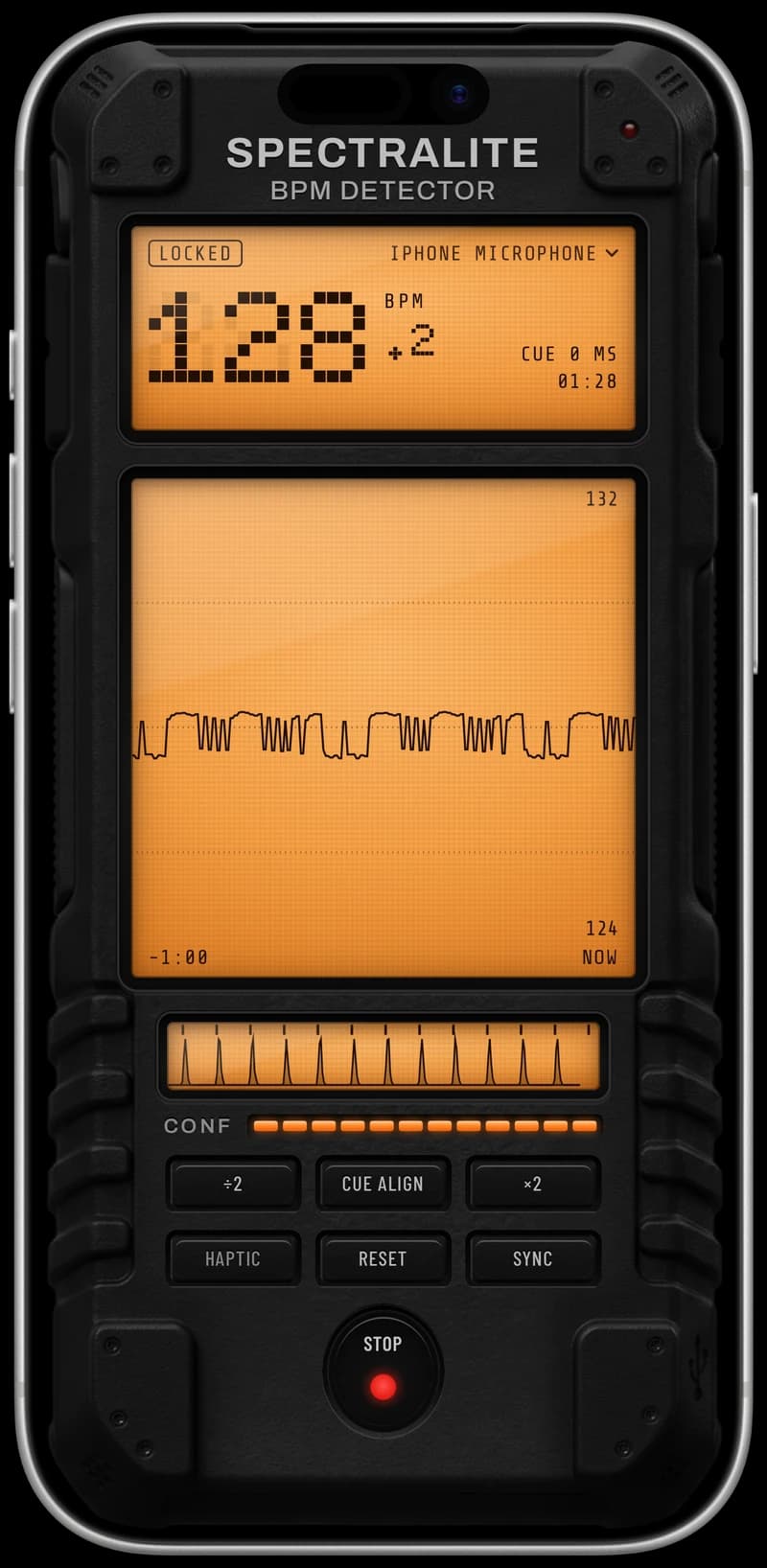
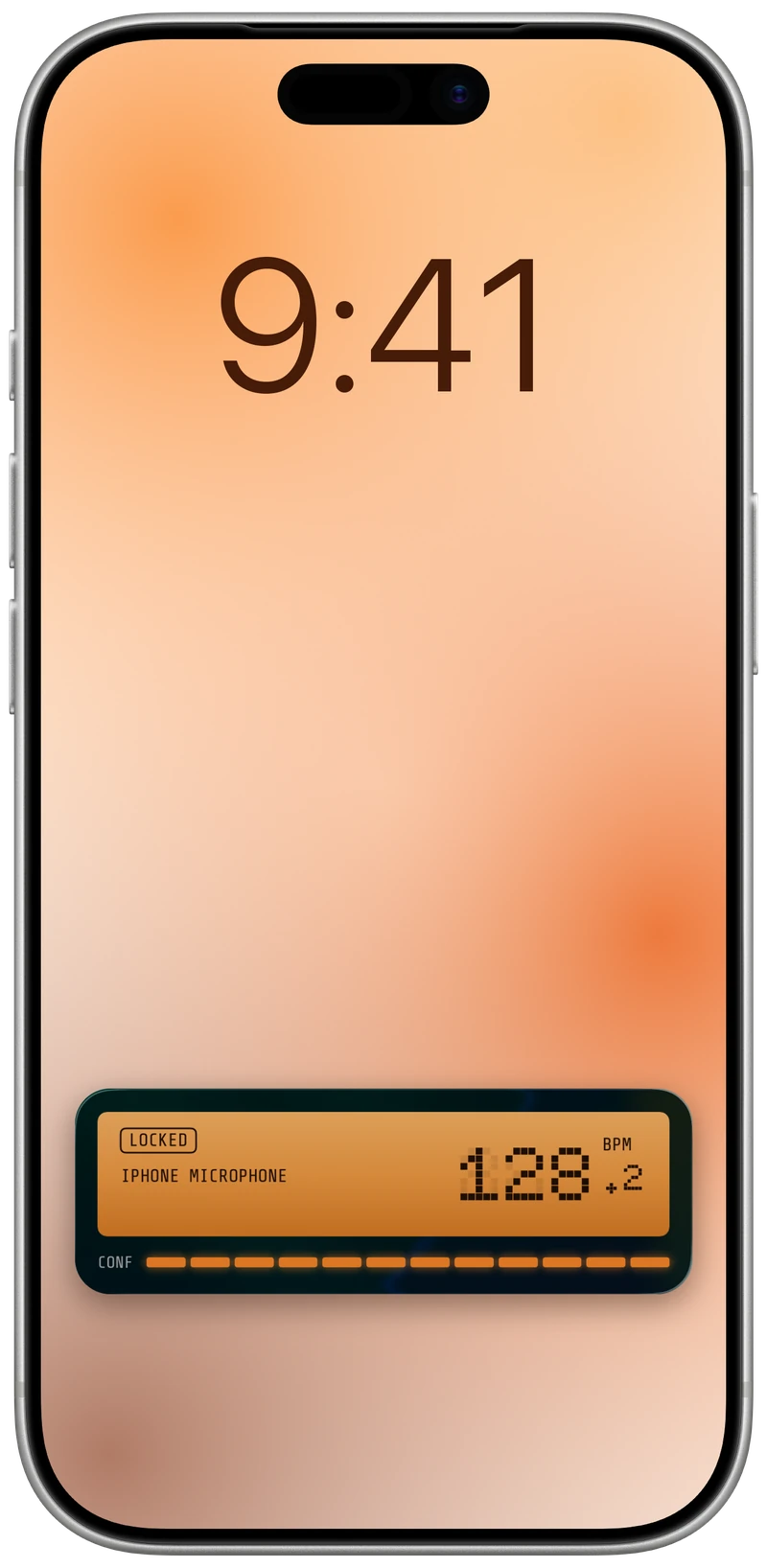
Hold your iPhone up to the speakers and it sends the tempo and beat over OSC and MIDI clock.

What it sends
- OSC. Drive Resolume, TouchDesigner and lighting desks.
- MIDI clock. Keep drum machines and hardware in time with the room.
- Ableton Link. Put other Link apps on the same tempo and beat. Coming soon
Who it is for
DJs use it to check the tempo of a song before they mix it in, and musicians use it as a BPM counter to find the speed of a track they want to play along to. Point the phone at the speakers and it shows the tempo in beats per minute within seconds.
VJs and lighting operators send that tempo to Resolume, TouchDesigner or a lighting desk, so visuals and lights stay on the beat of a set they do not control.
Also included
- Pick your input. Listen through the phone's microphone or any input connected to it.
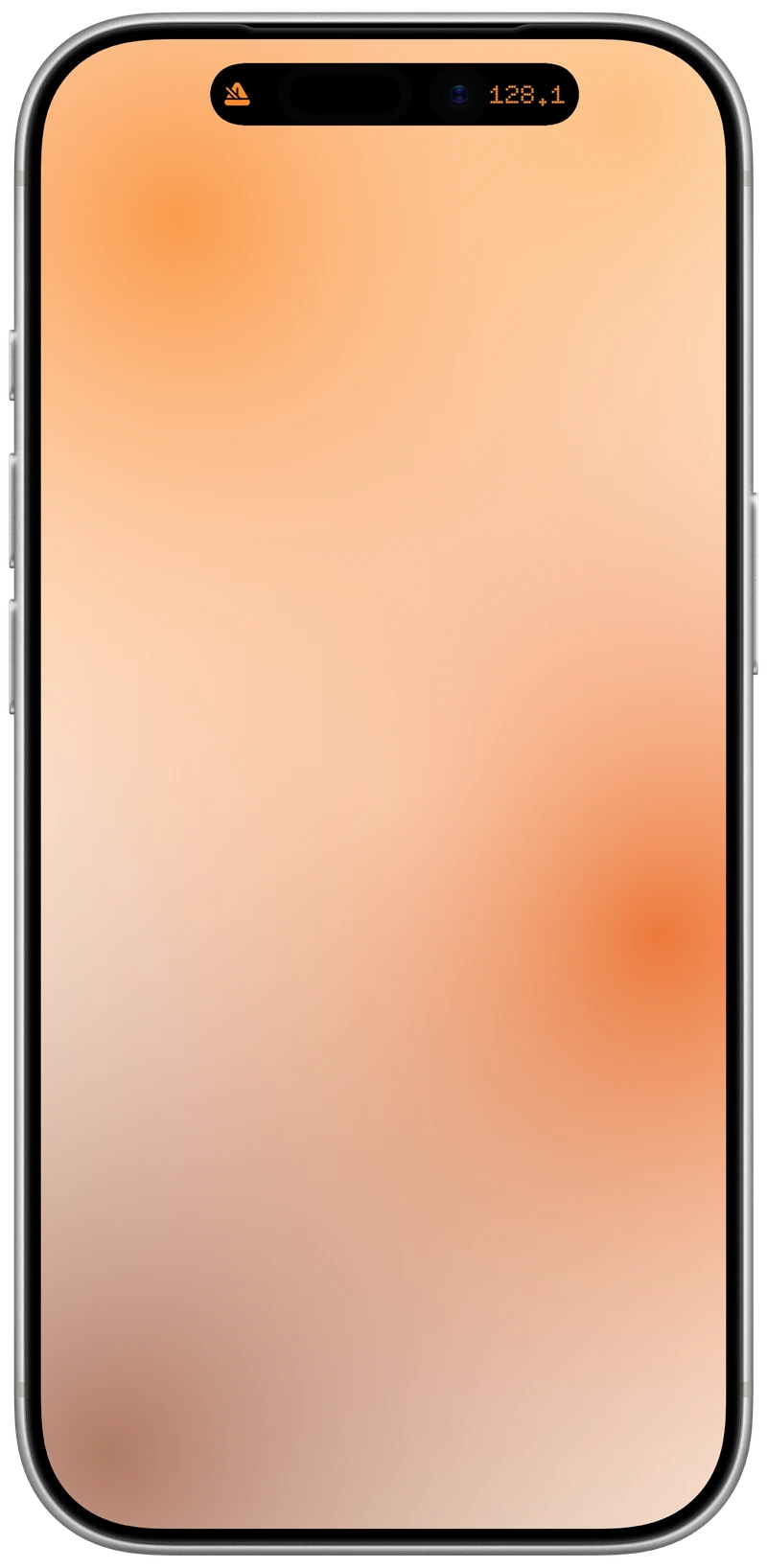
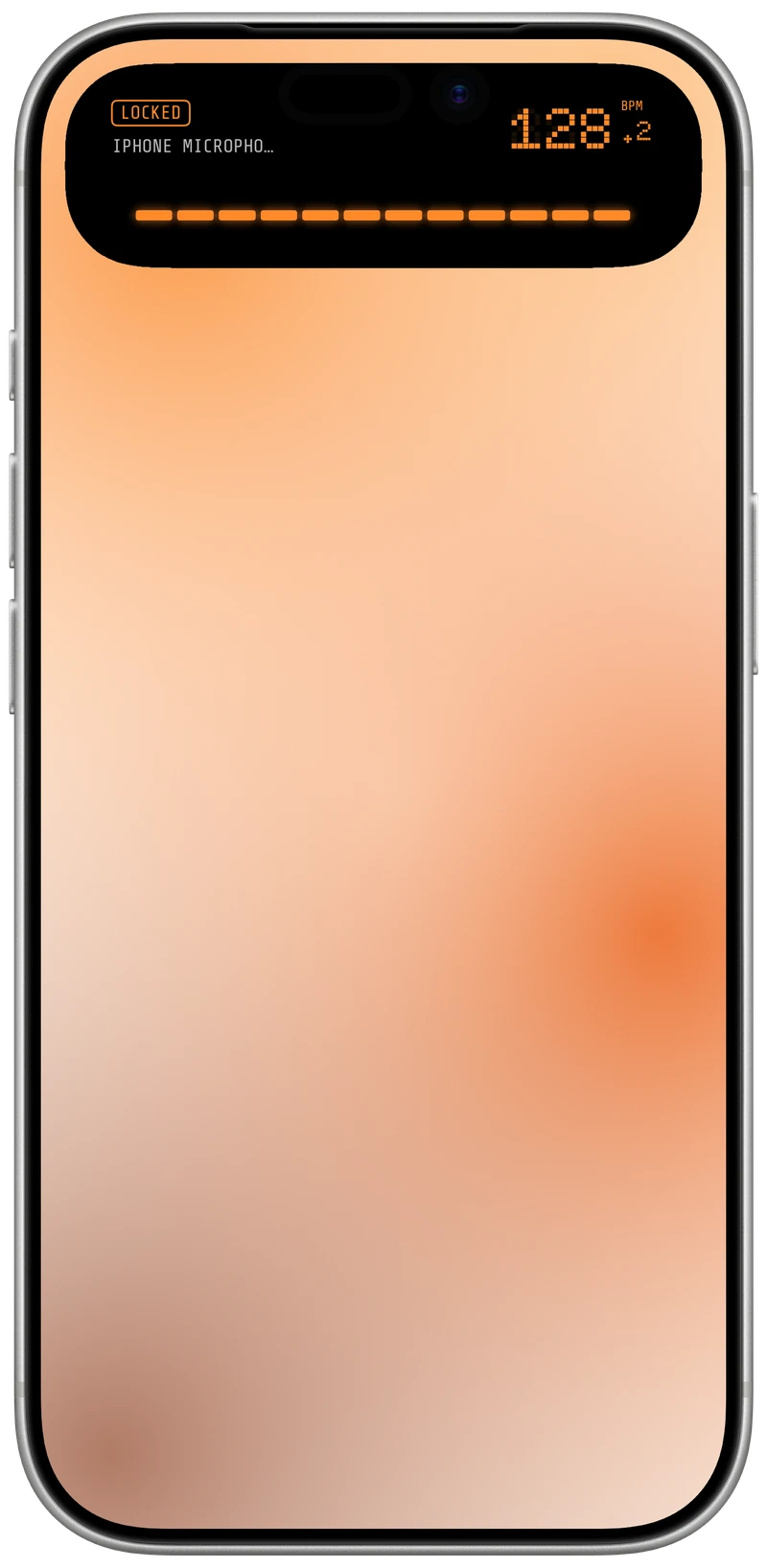
- Action Button. Start and stop listening from the Action Button, with the app out of sight.
- Set it up your way. Choose where each output goes and trim its timing in the settings.
- Fix a wrong tempo. Double or halve it with ×2 and ÷2, or tap on the downbeat to line the beat up with the room.
Try the same beat tracker in the online BPM detector.
Open the online BPM detectorRequirements
- System
- iPhone with iOS 16 or later.
- Access
- Microphone access.