Free tools / macOS

Spectralite BPM Sync

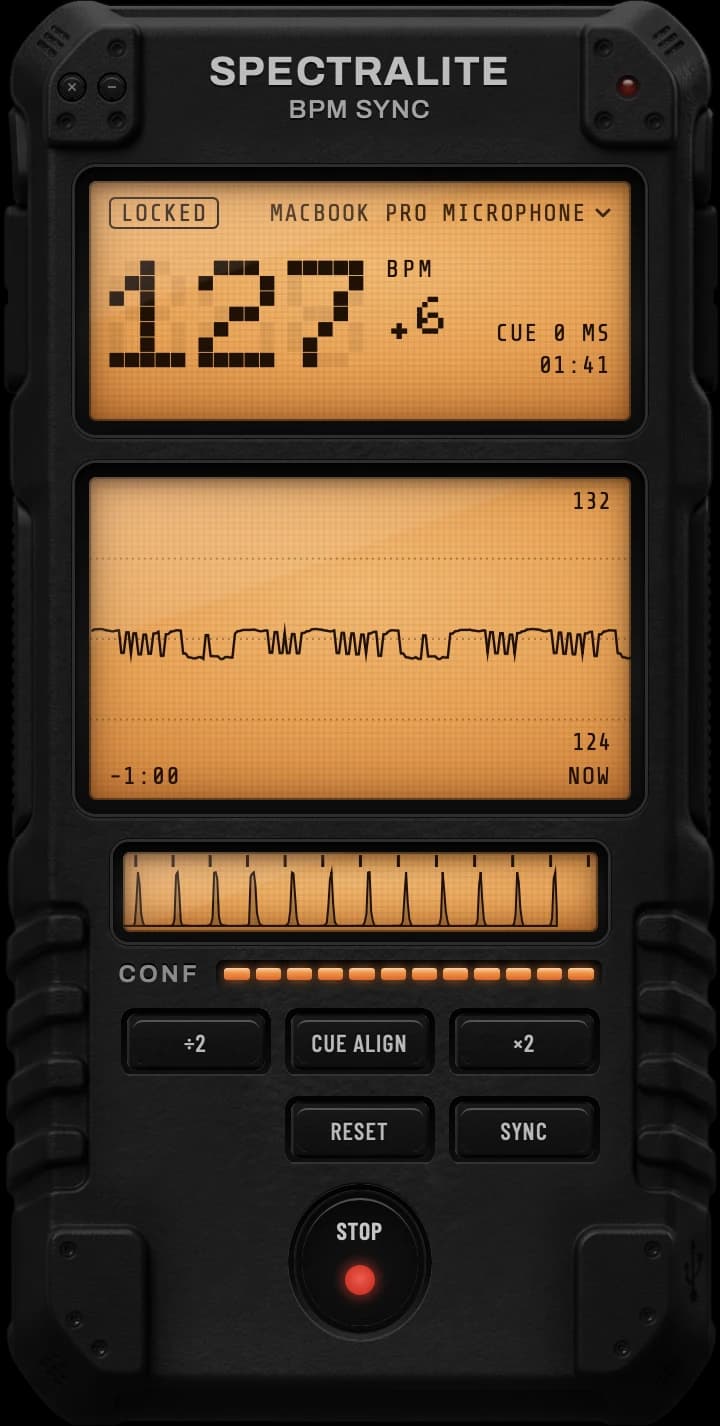
Listens to an audio input on your Mac and sends its tempo and beat over OSC and MIDI clock.

Spectralite BPM Sync on a Mac desktop, locked on 127 BPM and listening through the MacBook Pro microphone

What it sends

  • OSC. Drive Resolume, TouchDesigner and lighting desks.
  • MIDI clock. Keep drum machines and hardware in time with the room.
  • Ableton Link. Put other Link apps on the same tempo and beat. Coming soon
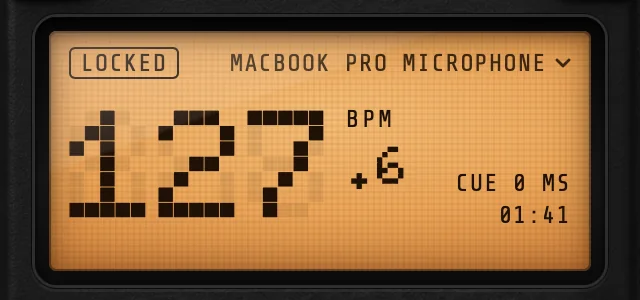
The BPM Sync display locked on 127 BPM, with the input named as the MacBook Pro microphone
Pick your input. Choose any audio input your Mac offers, from the built-in microphone to an audio interface. The beat keeps going when you minimise the window, and your Mac stays awake while BPM Sync listens.
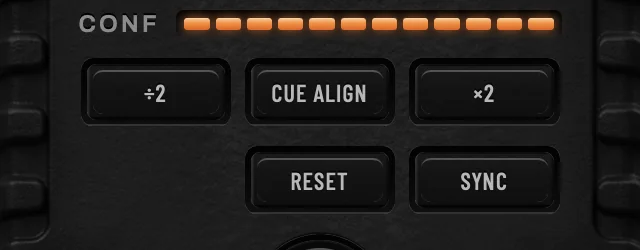
The BPM Sync keys: divide by 2, Cue Align, times 2, Reset and Sync
Fix a wrong tempo. Double or halve it with ×2 and ÷2, or tap on the downbeat to line the beat up with the room. SYNC opens the settings, where you choose where each output goes and trim its timing.

Try the same beat tracker in the online BPM detector.

Open the online BPM detector

Requirements

System
macOS 12 Monterey or later.
Access
Microphone access for a microphone input.

Technical details in the docs · About the beat tracker