
Play it live.
Stack layers, run them against a beat timeline, and fire momentary hits by hand from a MIDI controller or an incoming console. Undo and redo cover every edit.
Composite the show one layer at a time.
A layer runs one effect on one set of fixtures, with an opacity and a blend behavior. The stack combines bottom to top into the single picture your rig plays, so layer order is part of the look.
- Additive adds this layer's light on top of the stack below
- Override replaces the stack below, in proportion to opacity
Scheduled in beats.
- Speed multiplier run a layer faster or slower than the master tempo
- Beat offset slide a layer's phase earlier or later so layers chase each other
- Hold fade a layer out from the level it was already sitting at
Lo-fi close-up of one timeline layer's beat grid, a layer named Chaser across two bars. Each bar holds sixteen slots, four per beat. Filled slots mark where the effect plays and empty slots where it stays dark, with a ruler counting beats zero to eight above and the bar boundary marked at beat four.
Momentary hits over everything else.
Lo-fi mockup of the Bumps panel, a bank of hold-to-play bump buttons named Chase, Decay Flash, Blocks Bump, Lines Bump, Scanner Bump. Each button shows its layer name with a green Bump category dot, an edit control, and a drag handle. The Chase bump is held down, highlighted with an orange selection ring, and a dashed Add bump button ends the bank.
Drive the whole thing from a controller.
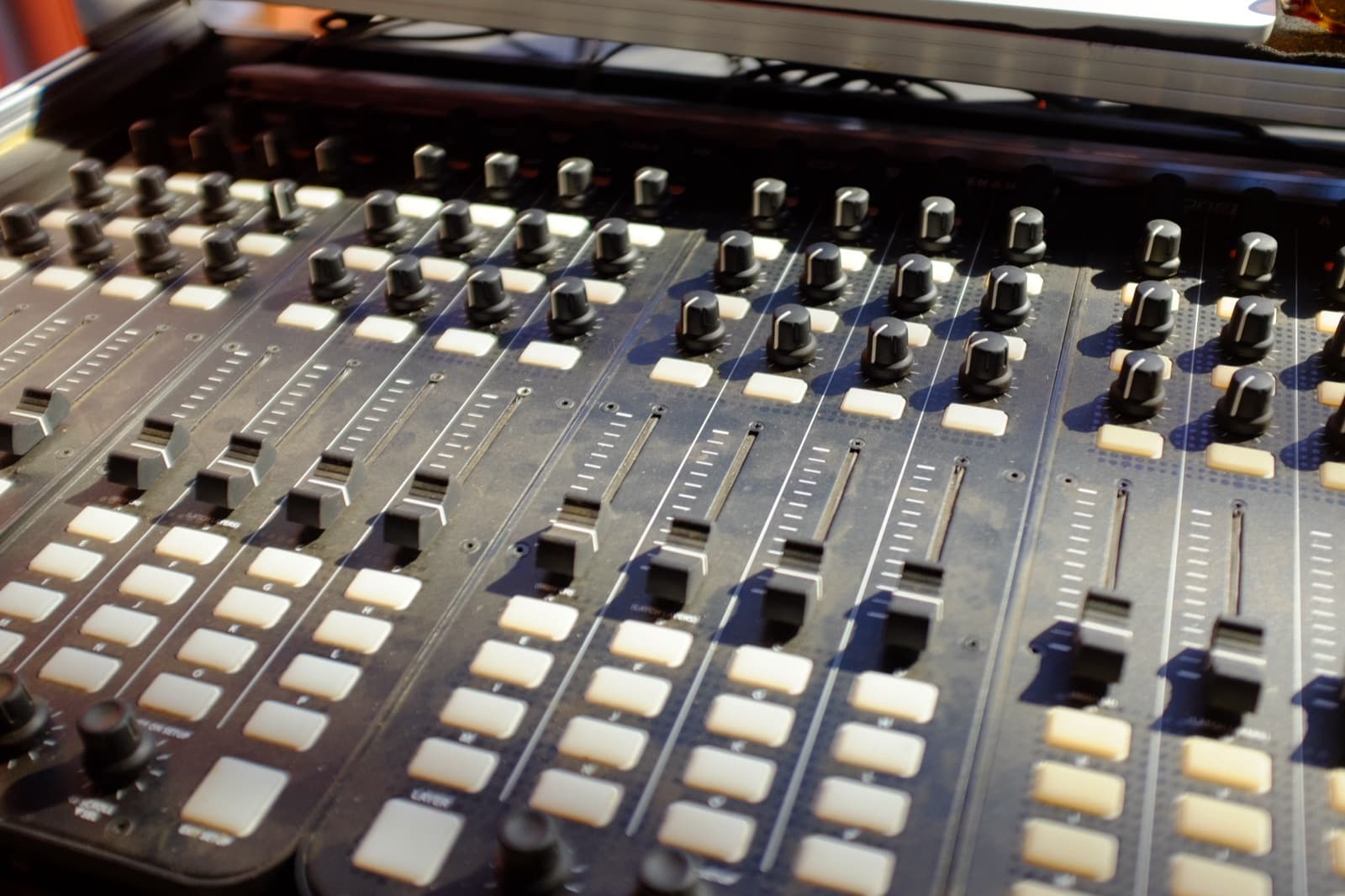
Map a MIDI controller to layer opacity, solos, bumps, tempo, color, and fixture parameters. Feedback out drives the pad LEDs and motor faders. Or map incoming DMX and Art-Net so a console already on the truck steers the show. A visual overlay binds controls in place.
Every edit is reversible.
Spectralite keeps a full undo and redo history across your edits, with a history panel to step back through them. Try a look, drop it, and move on.
Professional lighting control that speaks every standard, runs on your Mac, and costs what it says on the page.
No dongle. No quote. No lock-in.